
ScheduleOffice · web app
Create jobs and schedule the work.
Set up each job with the customer, site, tasks, drawings and files. Put tasks on the calendar, assign crews, and check for overlaps. Google Calendar can stay in sync.

Web · iPhone · iPad
Unknown is job management software for contractors. Schedule jobs, send drawings and job details to crews on iPhone and iPad, collect day tickets from the field, and see labor and material costs per job.
How it works
Four steps, on the screens your office and crews already carry.
ScheduleOffice · web app
Set up each job with the customer, site, tasks, drawings and files. Put tasks on the calendar, assign crews, and check for overlaps. Google Calendar can stay in sync.
FieldCrew · iPhone and iPad app
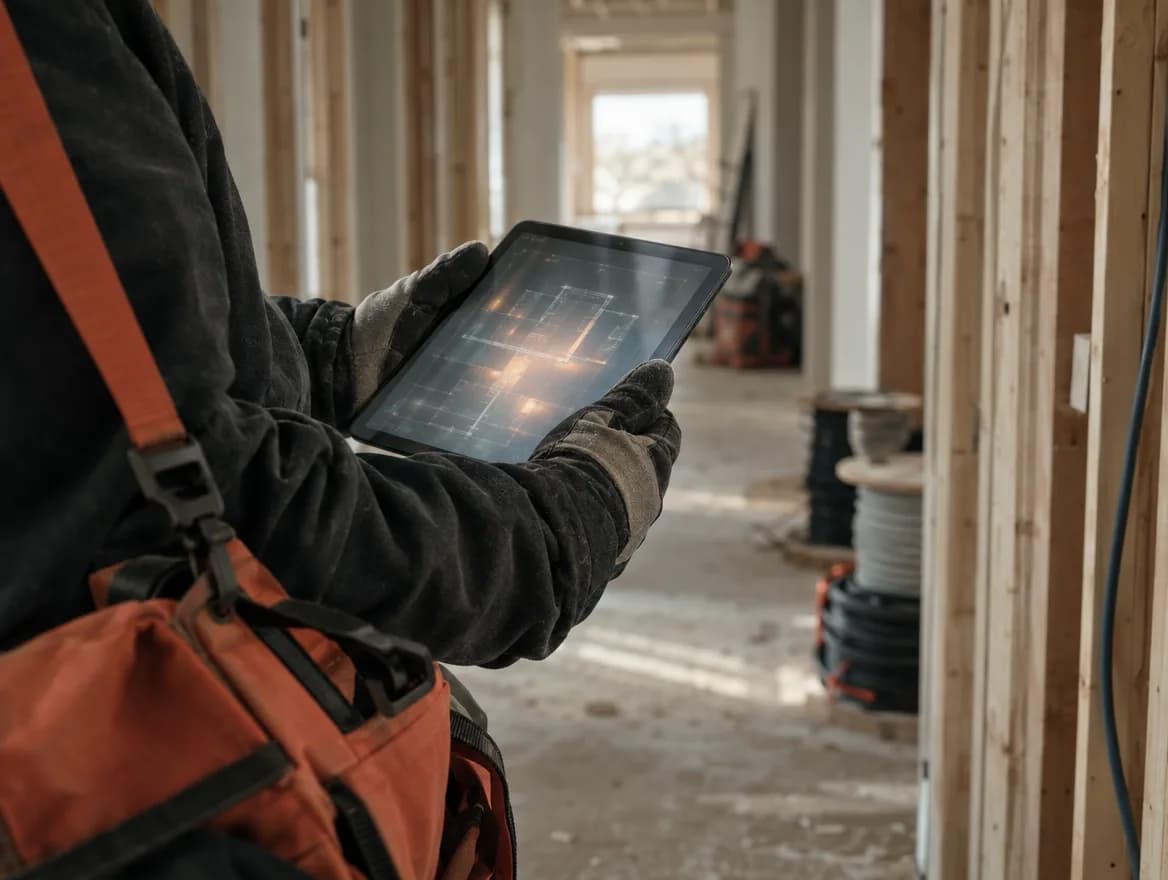
Each crew member sees their tasks for the day with directions, notes, the job's files and the marked-up drawings. Drawings can be marked up on site with field symbols, cable routes and measurements.
Day ticketCrew · iPhone and iPad app
A day ticket records who worked, work and travel hours, materials used, photos, what was done, and anything left unfinished. Tickets can be corrected later and every change is kept.

CostingOffice · web app
Submitted hours and materials become labor and material costs by job, task and ticket. Missing tickets, missing hours, unscheduled work and open items show up on one list.

Day tickets
Crews fill in a day ticket on their phone or iPad before leaving the site: crew, hours, travel, materials, photos, and any open items. The office gets it right away.
Crew
Hours
Materials
Photos
Loose end
The product
Real screens from the current build. The office uses the web app; crews use the iPhone and iPad app. Both work from the same jobs.
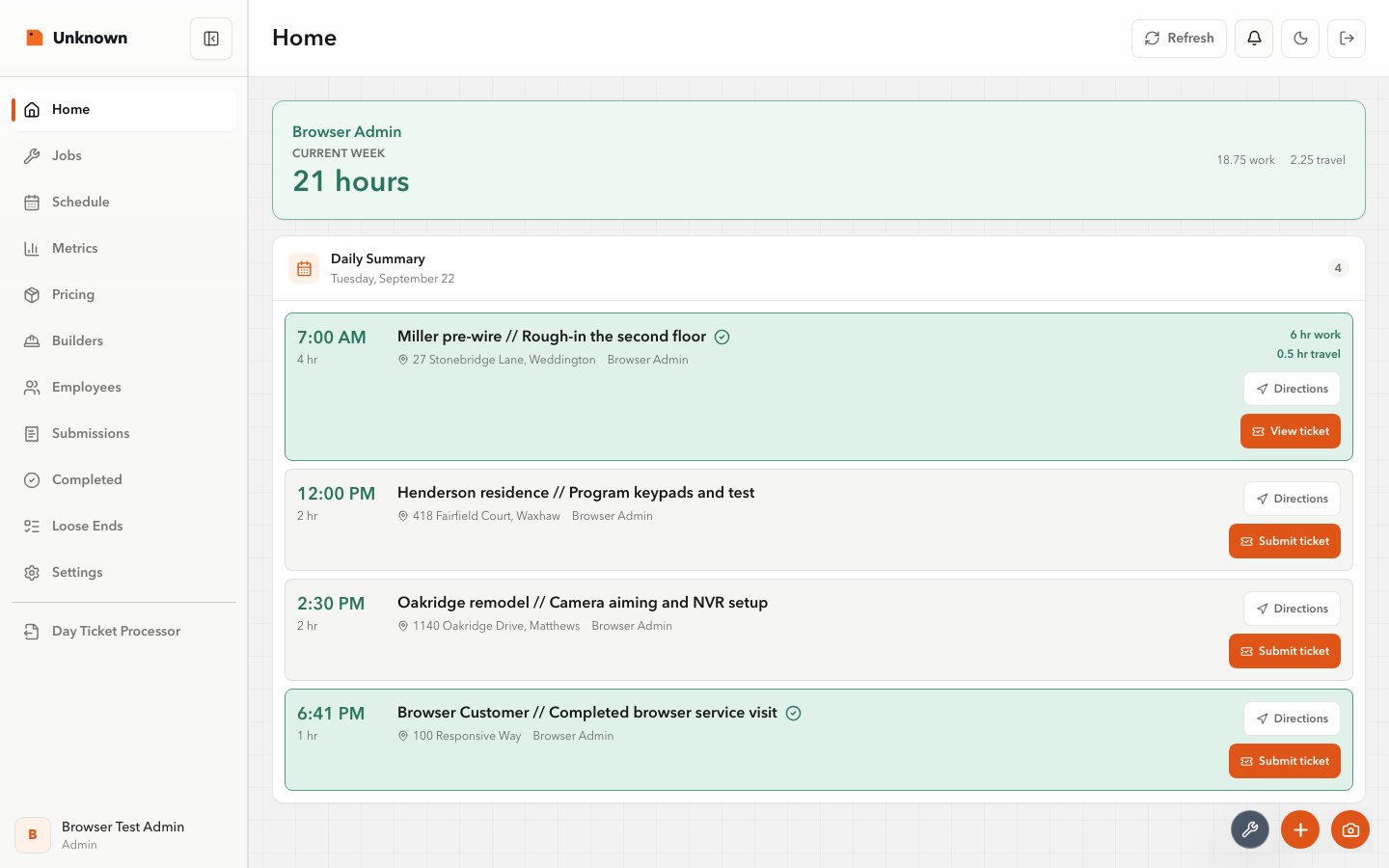
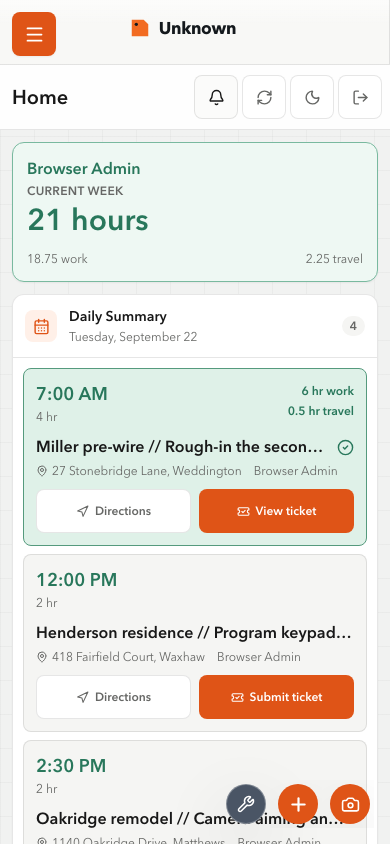
Today's tasks, completed work and items needing attention.
Features
Customer, site, tasks, files and activity for every job. Standalone tasks for work that is not tied to a job.
Tasks on a calendar with crew assignments and overlap checks. Optional Google Calendar sync.
Crews see their assignments, directions, notes, drawings and files, filtered to what applies to them.
Crew, work and travel hours, materials, photos, work performed and open items. Drafts, submissions and corrections keep their history.
PDF drawings with field symbols, cable routes, measurements, layers, revisions and exports.
Labor and material costs by job, task and ticket from submitted day tickets. Missing tickets and hours are flagged.
Who it helps
See what each job cost in labor and materials, and where the hours went.
Create jobs, schedule crews, and keep drawings, files and calendars in one place.
See the day's work, open the drawings, and submit the day ticket from the site.
One account and one set of jobs across both. There is no Android app. Unknown does not do accounting, payroll or invoicing; it records the work and its cost so those tools have accurate numbers.
Pricing at launch
Per-user pricing.
One company. Unlimited internal users.
Sales open with the release. Leave your email below to be notified.
Common questions
Not yet. Unknown is in development and testing. It already runs on web, iPhone and iPad, and sales open with the release. Sign up below to be notified.
Contractors whose work is planned in an office and done on site: low-voltage, home technology, electrical and similar trades.
No. The field app is for iPhone and iPad. The office app runs in any modern browser.
No. Unknown records what was done on each job and what it cost. Invoicing, payroll and bookkeeping stay in the tools you already use.
One company, unlimited internal users, with the first year of managed hosting included. For teams that would rather buy once than manage per-user subscriptions.
Contact
One email when subscriptions open, plus occasional progress updates.
Tell us about your company, a workflow you need, or a licensing question.